
Wheat Field Prop - 1m² Farming Asset with LODs
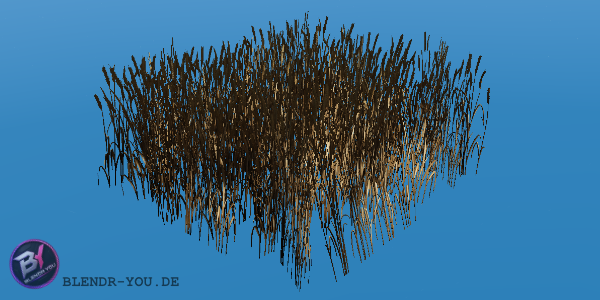
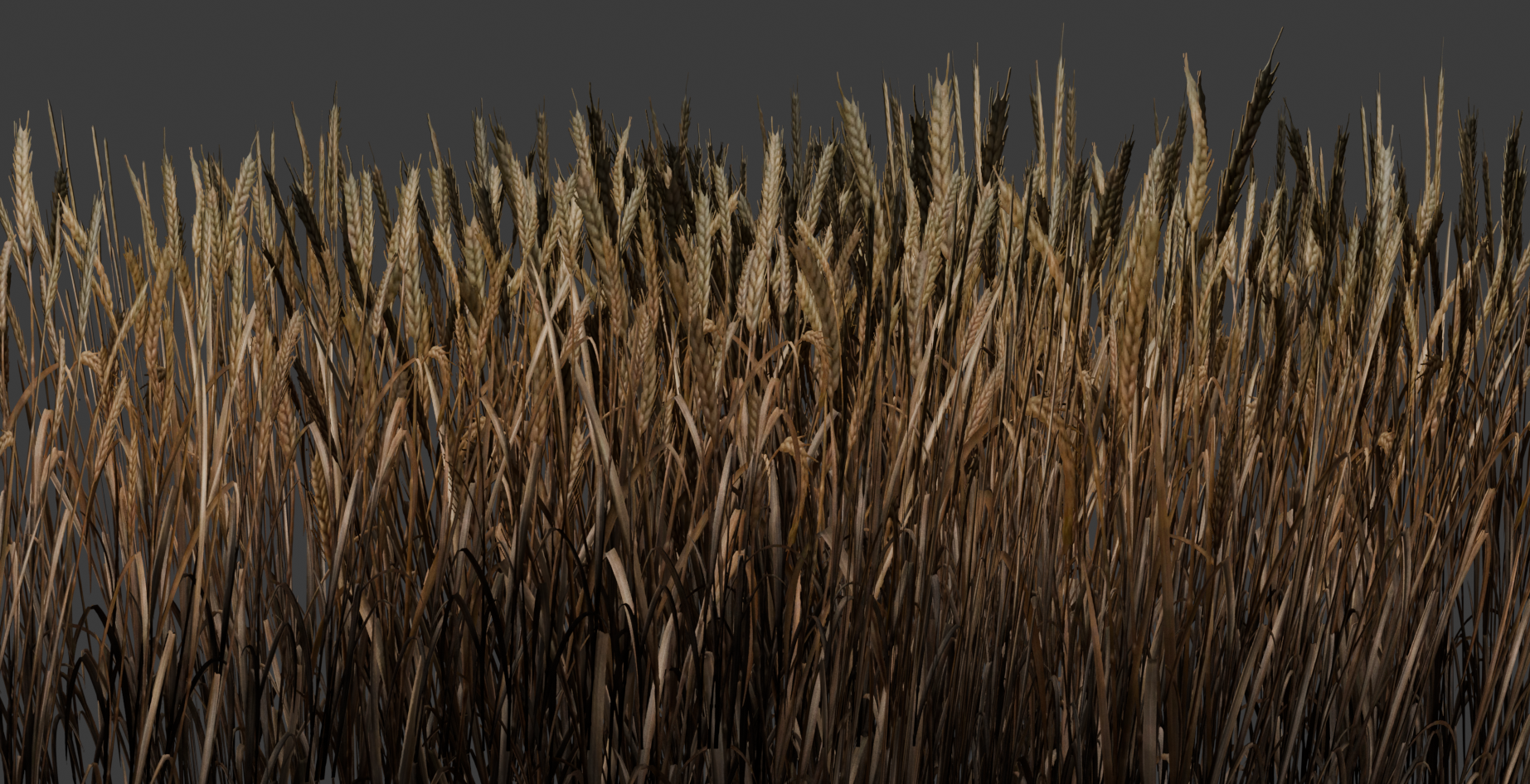
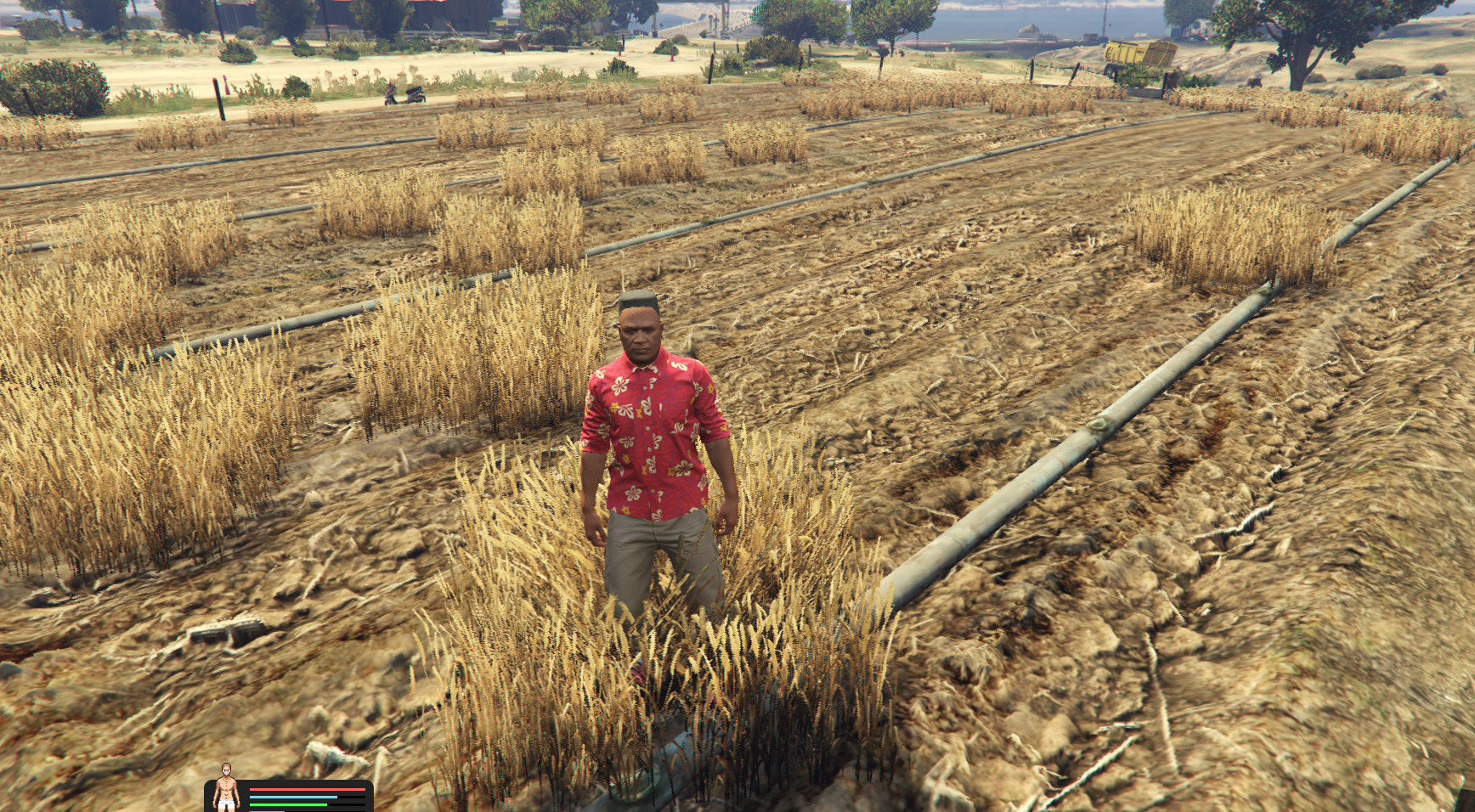
This asset contains a small wheat field prop, designed to cover approximately 1 square meter. It is ideal for farming systems, roleplay servers, agricultural areas, fields, or any map where wheat resources are needed.
The model is optimized for in-game use and includes LODs to improve performance at different viewing distances. This makes it suitable for placing multiple wheat field props across larger farming areas without putting too much load on the server or client.
The wheat field is made to look natural while staying lightweight and practical for gameplay. It can be used as a decorative field object, a harvestable farming prop, or as part of a larger agricultural system.
Features:
- 1m² wheat field prop
- Includes LODs for better performance
- Suitable for farming and harvesting systems
- Good for roleplay, survival, and economy servers
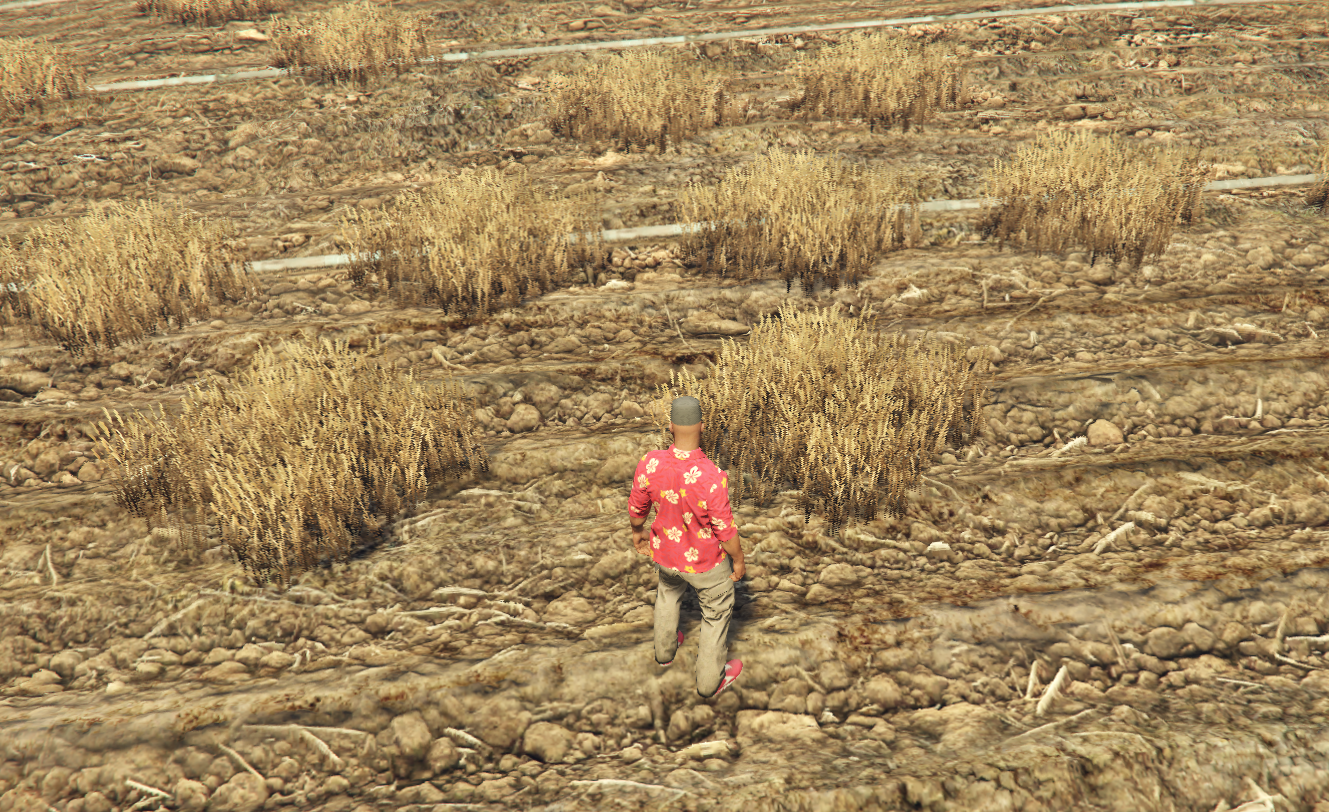
- Can be placed multiple times to create larger wheat fields
- Optimized for server use
- Clean resource structure
- Easy installation
Use Case:
This prop is perfect for servers where players need to farm or collect wheat. It can be used as a visual farming object, a harvest point, or as part of a scripted farming system where wheat is required for crafting, cooking, trading, or selling.
Installation:
1. Download and extract the resource folder.
2. Place the full resource folder into your server resources folder.
Example:
resources/[props]/wheat_field/
3. Make sure the resource contains the following structure:
wheat_field/
│
├── fxmanifest.lua
│
└── stream/
├── your_wheat_model.ydr
├── your_wheat_texture.ytd
└── your_wheat_archetype.ytyp
4. Add the resource to your server.cfg:
ensure wheat_field
5. Restart your server or use the following commands in the server console:
refresh
ensure wheat_field
6. The wheat field prop can now be used in your map, farming script, or placement tool.
Files Included:
stream folder:
Contains the streamed GTA/FiveM asset files such as the model, textures, and archetype data.
fxmanifest.lua:
The manifest file required by FiveM to load the resource correctly.
Model files:
The wheat field prop model, including the different LOD versions for optimized rendering.
Texture files:
The textures used by the wheat field prop.
YTYP file:
Contains the archetype definition required so the prop can be recognized and loaded correctly in-game.
Notes:
- Make sure the stream folder stays inside the resource folder.
- Do not rename the model or YTYP files unless you also update the references correctly.
- If the prop does not appear in-game, check that the resource is started and that the YTYP is correctly listed in the fxmanifest.lua.
- For best results, place multiple 1m² props next to each other to create larger wheat fields.
